710 Tiny Space Invaders
710 : Tiny Space Invaders
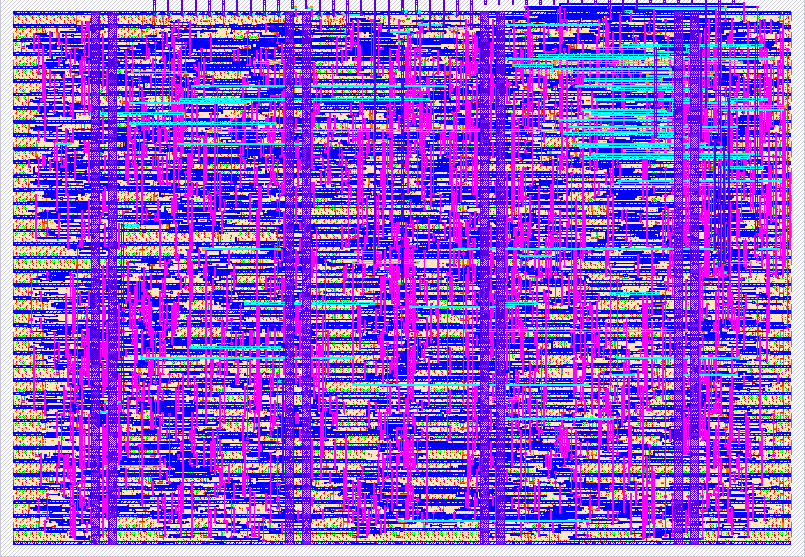
- Author: kyu neushwastein
- Description: game style space invaders
- GitHub repository
- Open in 3D viewer
- Open in Tiny Tapeout Explorer
- Open in VGA Playground
- Clock: 25175000 Hz
How it Works (Space Invaders)
This project implements a minimalist Space Invaders-style game
To save memory and logic gates (LUTs), the game does NOT use internal RAM to draw sprites. Instead, the game uses procedurally generated vector/collision box rendering by combining horizontal and vertical counters.
-
Video Signal: Synchronized at 640x480 (standard VGA resolution @ 60Hz) assuming a main clock speed of 25.175 MHz.
-
Enemy Movement: A logic grid processes coordinates based on bit slices (virtual division by 64 pixels). If the alien corresponding to that grid square is alive (bit = 1), the color red is displayed on the screen.
-
Collision Detection: The projectile continuously calculates its area, and in the vertical cycle, if its X/Y coordinates intersect the boundary of a live alien square, it erases that alien from existence.
Pinout
This configuration uses the TinyTapeout architecture, hooking a generic Super Nintendo/NES controller into the input port and an 8/12-bit VGA output into the output port.
Input Pins (Input - ui_in)
It is assumed that you should connect a PMOD Gamepad to the corresponding dedicated input bus.
| Pin | Function | Description PMOD Gamepad |
---|---|---|
ui_in[0] | Unused | - |
ui_in[1] | Unused | - |
| ui_in[2] | Unused | - |
| ui_in[3] | Unused | - |
| ui_in[4] | Latch | PMOD Gamepad Sync Latch |
| ui_in[5] | Clock | Data Clock for Polling the Controller (Gamepad CLK) |
| ui_in[6] | Data | Serial Data Interface for Controller Buttons (Gamepad DATA) |
| ui_in[7] | Unused | - |
Note: Internally, the code uses the PMOD decoder to map the controller's physical inputs using the serial protocol with only 3 pins temporarily multiplexed.
Physical Controller Controls (Game): To play and interact with the design, actions are assigned to the buttons on your console controller (NES/SNES or other compatible controller connected to the PMOD Gamepad):
-
Ship Movement: Physically press the Left and Right D-Pad buttons on the controller.
-
Laser Fire: Physically press Button A or Button B on your controller.
Output Pins (uo_out)
Intended and configured to connect a standard VGA PMOD.
| Pin | Signal | Function (RGB and Sync) |
---|---|---|
uo_out[0] | Network 1 | High Intensity Red (Used for Aliens) |
uo_out[1] | Green 1 | High Intensity Green (Used for Player) |
uo_out[2] | Blue 1 | High Intensity Blue (Used for Projectile) |
uo_out[3] | VSYNC | Vertical Sync |
uo_out[4] | Red 0 | Bound to R1 |
uo_out[5] | Green 0 | Bound to G1 |
uo_out[6] | Blue 0 | Bound to B1 |
uo_out[7] | HSYNC | Horizontal Sync |
How to Use the Chip
-
Base Clock: Set the internal commander's clock signal to 25.175 MHz (ideally for strict VGA monitors), or up to 31.5 MHz, although the screen might stretch slightly depending on the monitor.
-
Connect the video output via a Tiny VGA bridge (or similar) to a standard 640x480 monitor.
-
Connect and configure the gamepad (standard SNES mini) to the top input connectors on your TinyTapeout motherboard.
-
Disable the commander's reset button, and use the left and right D-pad to move the ship along the bottom green strip.
-
Press the A or B button to fire your blue projectile and destroy the band of red invaders at the top, which gradually bounce off the walls and try to descend to collide with you.
Required External Hardware
-
VGA monitor compatible with base resolutions.
-
VGA PMOD (Preferably the standard "Tiny VGA" design).
-
Gamepad PMOD and a joystick compatible with the simple serial protocol (like those for NES/SNES).
?
IO
| # | Input | Output | Bidirectional |
|---|---|---|---|
| 0 | Unused | R1 | |
| 1 | Unused | G1 | |
| 2 | Unused | B1 | |
| 3 | Unused | VSYNC | |
| 4 | Gamepad LATCH | R0 | |
| 5 | Gamepad CLK | G0 | |
| 6 | Gamepad DATA | B0 | |
| 7 | Unused | HSYNC |