805 Interactive XOR Plasma (Spade HDL)
805 : Interactive XOR Plasma (Spade HDL)
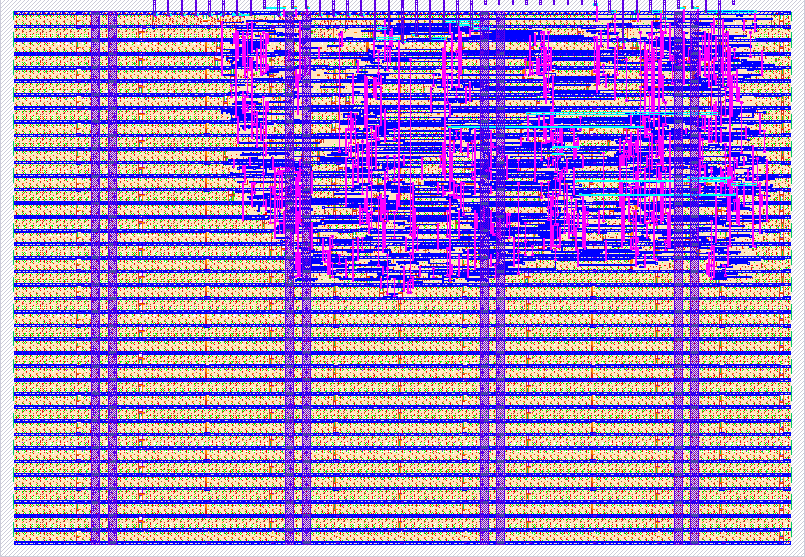
- Author: Gerard Talatinian
- Description: Interactive XOR plasma effect on VGA 640x480 @ 60Hz with 8 real-time controls, authored in Spade HDL
- GitHub repository
- Open in 3D viewer
- Open in Tiny Tapeout Explorer
- Open in VGA Playground
- Clock: 25000000 Hz
How it works
This project renders a full-screen animated XOR plasma effect on a VGA display at 640×480 resolution, 60 Hz refresh rate, using a 25 MHz pixel clock. The design is authored in Spade HDL and compiled to SystemVerilog via swim build before synthesis.
Plasma formula
Each active pixel is coloured by XOR-combining screen coordinates with an 8-bit frame counter:
animated = pattern(hcount[7:0], vcount[7:0]) XOR frame_ctr
Four pattern variants are selectable via ui_in[2:1]:
ui_in[2:1] |
Pattern | Formula |
|---|---|---|
00 |
Grid (default) | hcount XOR vcount |
01 |
Diagonal | hcount + vcount |
10 |
Interference | hcount XOR (hcount + vcount) |
11 |
Plasma | hcount XOR vcount XOR (hcount + vcount) |
Colour mapping
The 8-bit animated value is split into three 2-bit pairs and assigned to the R, G, B channels. The colour rotation control (ui_in[7:6]) shifts which bits of animated feed each channel, cycling through four assignments and producing distinct colour palettes.
With invert (ui_in[5]) high, all colour bits are complemented before output.
Animation
frame_ctr advances by 1 (or by ×2, ×4, ×8 depending on ui_in[4:3]) once per frame. Asserting ui_in[0] freezes frame_ctr — pattern, invert, and colour rotation continue to render at the frozen frame.
Input controls
All eight input pins are active and take effect concurrently:
  bit:  7   6   5   4   3   2   1   0
        | rot  |inv|  speed  |pattern|pause
         [7:6]  [5] [4:3]   [2:1]    [0]
| Pin(s) | Field | Values |
|---|---|---|
ui_in[0] |
Pause | 1 = freeze animation, 0 = run |
ui_in[2:1] |
Pattern | 00 = grid · 01 = diagonal · 10 = interference · 11 = plasma |
ui_in[4:3] |
Speed | Frame counter step: 00=×1 · 01=×2 · 10=×4 · 11=×8 |
ui_in[5] |
Invert | 1 = complement all colour bits |
ui_in[7:6] |
Colour rotation | Rotate R/G/B channel assignment through four 2-bit pairs of animated |
VGA timing
Standard 640×480 @ 60 Hz:
- HSYNC: active-low pulse during horizontal counts 656–751
- VSYNC: active-low pulse during vertical counts 490–491
Output is mapped to the Tiny Tapeout VGA PMOD standard on uo_out[7:0]:
| Bit | Signal | Bit | Signal |
|---|---|---|---|
| 7 | hsync | 3 | vsync |
| 6 | B0 | 2 | B1 |
| 5 | G0 | 1 | G1 |
| 4 | R0 | 0 | R1 |
How to test
Connect a VGA monitor via the Tiny Tapeout VGA PMOD board plugged into the uo output port. Apply a 25 MHz clock to clk. Assert rst_n low briefly on power-up, then release it high.
You should see a full-screen animated colour plasma. Use the ui_in pins to interact with it in real time:
ui_in value |
Effect |
|---|---|
0x00 |
Default: grid XOR pattern, speed ×1, standard colours |
0x01 |
Freeze the animation at the current frame |
0x06 |
Switch to diagonal pattern (ui_in[2:1] = 01) |
0x0E |
Interference pattern at speed ×2 |
0x18 |
Speed ×4 (ui_in[4:3] = 10) |
0x20 |
Invert all colours |
0x40 |
Colour rotation mode 1 (ui_in[7:6] = 01) |
0xFF |
All controls: plasma pattern, speed ×8, inverted, rotation 3, frozen |
Multiple pins may be set high simultaneously — all fields take effect concurrently.
To test in simulation:
cd spade && swim build && cp build/spade.sv ../src/design.v && cd ..
cd test && make clean && make
A passing run reports TESTS=8 PASS=8 FAIL=0. Waveforms are written to test/tb.fst and can be inspected with GTKWave or Surfer.
External hardware
- Tiny Tapeout VGA PMOD (plugged into the
uooutput port) — provides the VGA connector and resistor-ladder DAC - VGA monitor — any standard monitor or capture card accepting 640×480 @ 60 Hz
- Up to 8 push-buttons or DIP switches wired to
ui_in[7:0](optional, for interactive control)
IO
| # | Input | Output | Bidirectional |
|---|---|---|---|
| 0 | Pause animation | R1 | |
| 1 | Pattern select bit 0 | G1 | |
| 2 | Pattern select bit 1 | B1 | |
| 3 | Speed select bit 0 | vsync | |
| 4 | Speed select bit 1 | R0 | |
| 5 | Invert colours | G0 | |
| 6 | Colour rotation bit 0 | B0 | |
| 7 | Colour rotation bit 1 | hsync |