418 VGA Tetris
418 : VGA Tetris
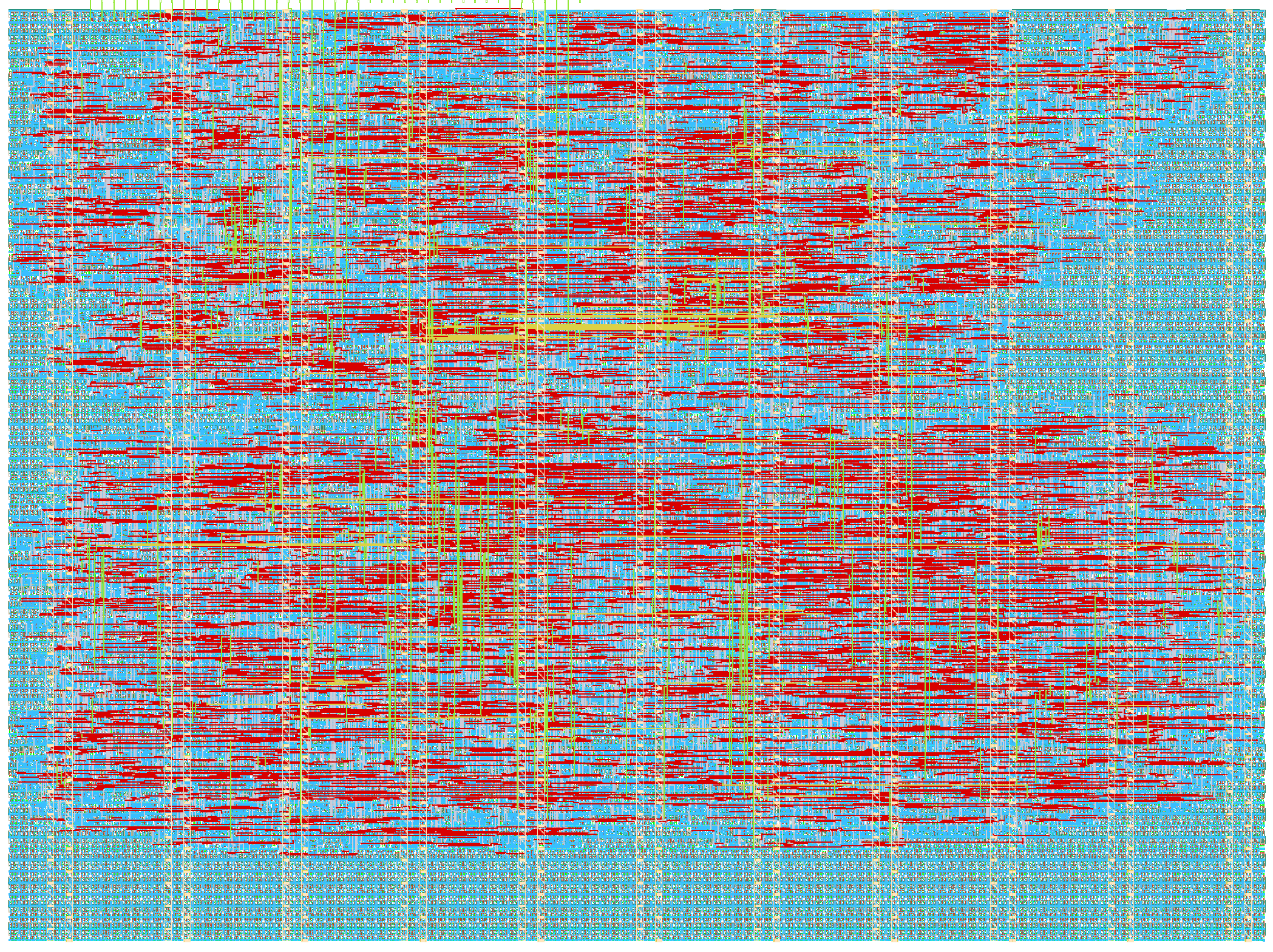
- Author: Gytis
- Description: VGA Tetris (640x480 @ 60Hz)
- GitHub repository
- Open in 3D viewer
- Open in Tiny Tapeout Explorer
- Clock: 25000000 Hz
How it works
The game over state can be cleared by pressing the down button a couple of times.
How to test
To control the game, toggle inputs ui_in[0 to 3]. Note: The inputs are expected to be HIGH (i.e. pulled-up) when not used, hence only LOW level is associated with an action. On RP2040's MicroPython shell this can be achieved by: tt.pins.ui_in0.pull = Pin.PULL_UP tt.pins.ui_in1.pull = Pin.PULL_UP tt.pins.ui_in2.pull = Pin.PULL_UP tt.pins.ui_in3.pull = Pin.PULL_UP
External hardware
Use https://github.com/mole99/tiny-vga for display output
IO
| # | Input | Output | Bidirectional |
|---|---|---|---|
| 0 | left | vga_r_1 | |
| 1 | right | vga_g_1 | |
| 2 | rotate | vga_b_1 | |
| 3 | down | vga_vs | |
| 4 | none | vga_r_0 | |
| 5 | none | vga_g_0 | |
| 6 | none | vga_b_0 | |
| 7 | none | vga_hs |