514 4 bit Accumulator CPU
514 : 4 bit Accumulator CPU
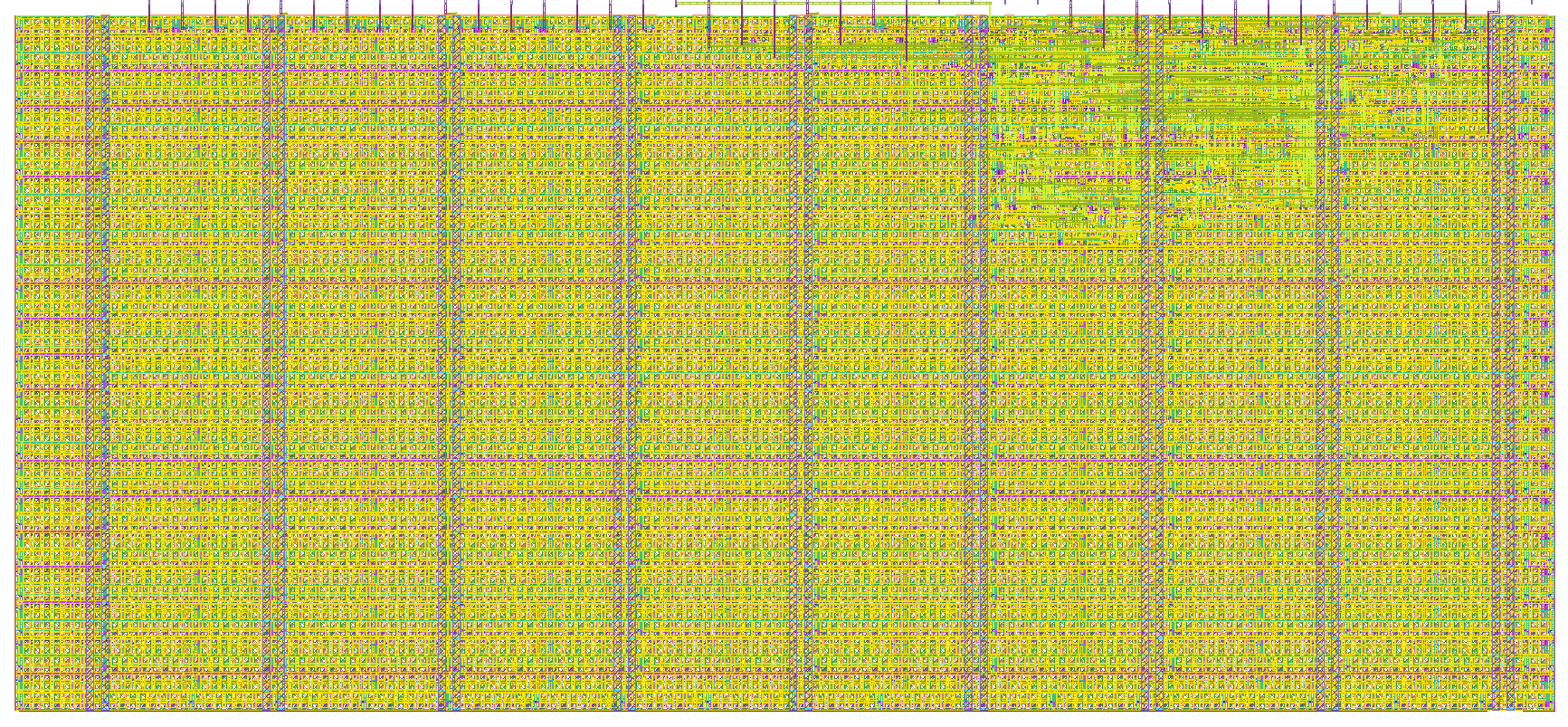
- Author: Darshan
- Description: A minimal 4-bit accumulator-driven CPU where each instruction from ROM operates on the accumulator via an ALU (ADD, SUB, AND, OR), with the accumulator storing the result of each operation for the next cycle.
- GitHub repository
- Open in 3D viewer
- Open in Tiny Tapeout Explorer
- Clock: 100000000 Hz
What is this design
This is a simple CPU (Central Processing Unit) built in Verilog, which is a hardware description language. Think of this as the brain of a small computer. It's a tiny processor that can perform basic operations like adding, subtracting, and doing simple logic operations (AND, OR).
The CPU has a few important parts:
Accumulator (acc) – This is like a temporary storage space where the CPU keeps results of calculations. It holds values that the CPU works with.
Program Counter (pc) – This keeps track of what instruction the CPU is working on right now, like a bookmark that tells the CPU which part of its instruction list to read next.
ALU (Arithmetic Logic Unit) – This is where the actual math and logic operations happen, like addition or subtraction.
ROM (Read-Only Memory) – A memory space that holds a list of instructions for the CPU to follow. It’s "read-only" because it doesn’t change during normal operation, just like a recipe you follow step by step.
How it works
Start-up: When you turn it on (or reset it), everything gets set to zero: the Accumulator (where the results are stored), the Program Counter (which keeps track of which instruction is next), and the Immediate Value (a small number used in calculations).
Getting Instructions: The Program Counter decides what instruction to fetch next from the ROM. It’s like looking at the next step in a recipe.
Executing Instructions: Once the CPU gets an instruction, it decodes what to do (like whether to add or subtract) based on the instruction it fetched.
If the CPU is in "execute mode," it’ll perform a calculation using the Accumulator (which holds the current value) and an Immediate Value (a small number it got from the instruction). The result of the operation is stored back in the Accumulator.
Repeat: After doing the calculation, the Program Counter moves forward to the next instruction. This keeps happening until the CPU has finished all its instructions. Explain how your project works
How to test
Clock:
The CPU needs a clock to work, just like how a heart beats at regular intervals. Every time the clock ticks, the CPU moves to the next step.
Starting the Test:
First, we reset the CPU to make sure everything starts fresh, just like turning a calculator off and on to clear it.
Feeding Instructions:
We give the CPU a bunch of test instructions (like "add 5 to this" or "subtract 3 from that") and let it go through them step by step.
Checking Results:
We watch how the Accumulator changes. It should hold the right result after every operation (like if we told it to add, the Accumulator should show the sum). We also watch the Program Counter to see if it’s correctly moving from one instruction to the next.
Final Check:
At the end, the CPU should have gone through all the instructions correctly, and the Accumulator should hold the right results after each operation.
External hardware
Non
IO
| # | Input | Output | Bidirectional |
|---|---|---|---|
| 0 | Data Input 1 | Output data 1 | Operation mode check |
| 1 | Data Input 2 | Output data 2 | |
| 2 | Data Input 3 | Output data 3 | |
| 3 | Data Input 4 | Output data 4 | |
| 4 | Opcode Input 1 | ALU out 1 | |
| 5 | Opcode Input 2 | ALU out 2 | |
| 6 | Opcode Input 3 | ALU out 3 | |
| 7 | Opcode Input 4 | ALU out 4 |