674 Tiny Triangle Rasterizer
674 : Tiny Triangle Rasterizer
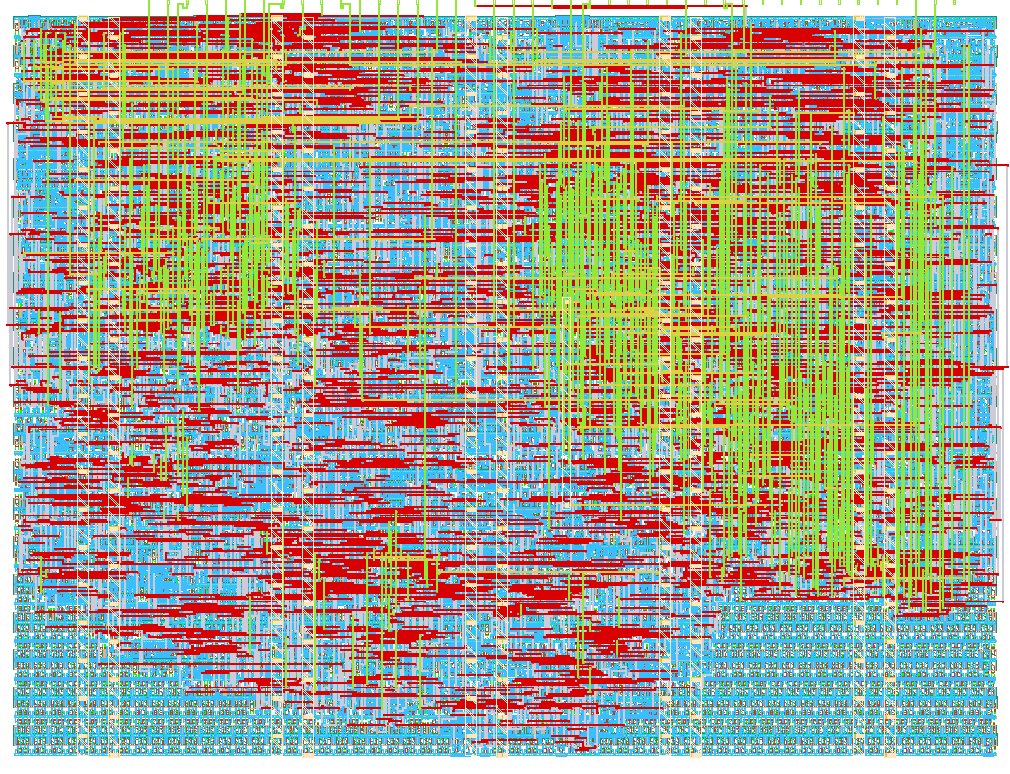
- Author: Thomas Oltmann
- Description: An extremely crude on-line triangle rasterizer with VGA output
- GitHub repository
- Open in 3D viewer
- Open in Tiny Tapeout Explorer
- Open in VGA Playground
- Clock: 25175000 Hz
Overview
This is a crude ASIC triangle rasterizer that generates VGA signals, in a single tile. It imitates the functionality of a basic fixed-function graphics processor: It receives geometry from an external device and rasterizes it into an image signal that can be viewed on a computer monitor. Except whereas even the oldest 3D graphics processors were capable of processing hundreds or thousands of triangles per frame, this humble project only manages one measly triangle per frame [^1].
[^1]: More than one triangle per frame is possible if the geometry is swapped-out mid-frame, but only if these triangles are separated vertically.
How it works
A classic scanline rasterization algorithm is run in sync with the VGA clock.
The submodule triscan implements a functional block that can perform the scanline
algorithm for one triangle at a time.
Because of space constraints, the ASIC only features a single instance of that functional block.
The triscan module uses the H-Blank as a time budget to update its internal state from one row to the next.
This includes finding out whether it has reached a vertex of the triangle,
as well as tracking the left and right extents of the triangle.
These extents are calculated using one single combined multiply-and-divide unit,
which first performs a sequential multiplication followed by a sequential division of the resulting product.
How to test
Attach the TinyVGA PMOD adapter. The VGA mode is 640x480, 60Hz, 2 bits per color.
Reset the module. If this tile works as intended, you should be able to see a red triangle on a white background, with black bars to either side.
The UIO pins can be used to programmatically change the geometry (and color of the geometry) that is being rendered.
Geometric constraints and conventions
The rasterizer expects the triangle geometry it is passed in to fulfill certain requirements. The first vertex must be the one with the smallest Y position. The second vertex must lie further left than the third vertex (the triangle must have counter-clockwise winding). V1 and V2 may have the same Y value, as may V2 and V3. But V1 and V3 may not have the same Y value (If V1.Y == V2.Y == V3.Y, there is nothing to render. Otherwise, one can reorder vertices to fulfill the requirements).
Each vertex coordinate (X or Y) has 6 bits of precision. Each step by one of a coordinate corresponds to an offset by 8 pixels.
The serial interface
The serial interface behaves like a one-way SPI (or Microwire) slave device. A bit is read from the MOSI pin on every positive edge of the SCK pin, but only if CS is low. This behaviour should correspond to SPI Mode 0.
Over this serial line, up to 8 words can be transferred (After that, it loops back to the first word). Every word is transferred as 8 bits; Values need to be padded in the higher bit positions. The bits in each word are transferred in MSB order.
| Index | Word |
|---|---|
| 0 | Vertex V1 X coordinate |
| 1 | Vertex V1 Y coordinate |
| 2 | Vertex V2 X coordinate |
| 3 | Vertex V2 Y coordinate |
| 4 | Vertex V3 X coordinate |
| 5 | Vertex V3 Y coordinate |
| 6 | Triangle Fill Color (RRGGBB, R is LSB) |
| 7 | Background Color (RRGGBB, R is LSB) |
Taking the CS pin high, then low again resets the bit- and word-position of the serial interface, allowing you to reset the serial interface (but not the geometry data) to a known state.
The clock frequency must not be faster than 12 MHz. In practice you may even need to be choose it much slower than that.
The internal data storage is immediately updated during transfer, so it should not be clocked while the triangle scanline is active. It is best to wait for a positive edge on the vsync signal supplied on a UIO pin. The hsync signal can also be used if there is sufficient vertical headroom.
External hardware
- TinyVGA PMOD adapter, atatched to a VGA-compatible display
- Optionally: An MCU attached to the UIO pins (the MCU on the TT demo-board is sufficient, but an external one could also be used.)
IO
| # | Input | Output | Bidirectional |
|---|---|---|---|
| 0 | R1 | CS | |
| 1 | G1 | MOSI | |
| 2 | B1 | ||
| 3 | vsync | SCK | |
| 4 | R0 | vsync | |
| 5 | G0 | hsync | |
| 6 | B0 | ||
| 7 | hsync |