299 Silicon Strummer
299 : Silicon Strummer
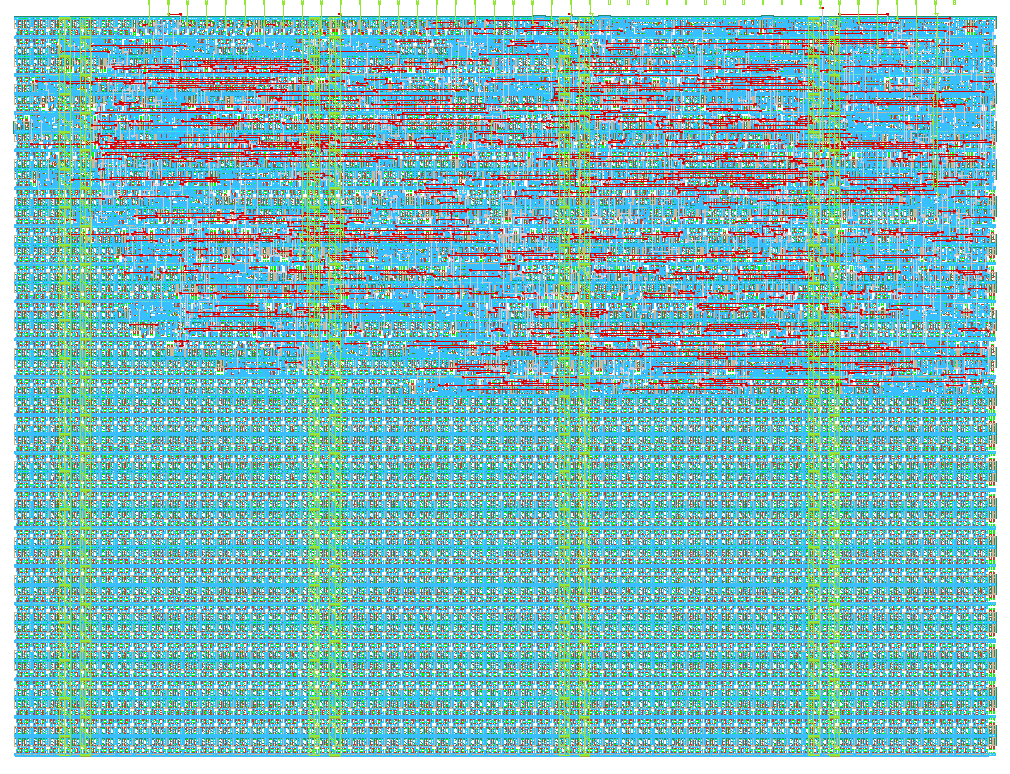
- Author: Pranav M
- Description: VGA fretboard guitar
- GitHub repository
- Open in 3D viewer
- Open in Tiny Tapeout Explorer
- Open in VGA Playground
- Clock: 0 Hz
How it works
Silicon Strummer turns a VGA monitor into a playable guitar fretboard. The screen is split into a grid of 8 columns (frets) and 6 rows (strings), giving 48 unique notes total. Each cell in the grid is about 80x80 pixels.
A yellow cursor shows which note is currently selected. You move the cursor around using buttons, and when you hold the sound button, the chip outputs a square wave tone through the audio pin at the frequency of the selected note.
The pitch increases as you move right (higher fret) and down (lower string number to higher string number), going from about 100 Hz in the top-left corner all the way to about 2 kHz in the bottom-right corner, just like a real guitar neck.
The display uses the TinyVGA PMOD pin mapping. Grid lines are drawn in dim blue, string lines run horizontally in dim green, and the selected cell lights up in bright amber yellow. Everything else is black.
Audio is generated as a simple square wave oscillator. A counter counts down from a precomputed divider value based on the selected note, and toggles the output pin each time it hits zero. The divider is calculated as:
divider = 125000 - (note_index x 2510)
where note_index goes from 0 (top-left) to 47 (bottom-right).
The cursor position updates once per frame on the rising edge of vsync, so movement feels smooth and consistent at 60 fps.
How to test
Connect a TinyVGA PMOD to the output pins and a speaker or audio circuit to uio_out[7].
Use the buttons like this:
- ui_in[0] moves the cursor right to the next fret
- ui_in[1] moves the cursor left to the previous fret
- ui_in[2] moves the cursor up to the previous string
- ui_in[3] moves the cursor down to the next string
- ui_in[4] hold this to enable audio output
Move the cursor to any cell on the fretboard and hold the sound button to hear the note at that position. Try moving across frets to hear pitch go up, and across strings to hear bigger jumps in pitch.
You can also test it in the Tiny Tapeout VGA Playground at https://vga-playground.com by clicking the ui_in buttons on screen to move the cursor and pressing button 4 to hear audio.
External hardware
- TinyVGA PMOD connected to uo_out for VGA display output
- Speaker or audio output circuit connected to uio_out[7] for square wave audio output
IO
| # | Input | Output | Bidirectional |
|---|---|---|---|
| 0 | Move right (fret +) | R1 (TinyVGA) | |
| 1 | Move left (fret -) | G1 (TinyVGA) | |
| 2 | Move up (string -) | B1 (TinyVGA) | |
| 3 | Move down (string +) | vsync (TinyVGA) | |
| 4 | Enable audio | R0 (TinyVGA) | |
| 5 | G0 (TinyVGA) | ||
| 6 | B0 (TinyVGA) | ||
| 7 | hsync (TinyVGA) | Audio out (square wave) |